

osm_, and are passed as a Bearer token in the Authorization header. There is no OAuth flow. Authentication is a single header on every request.
Getting a token
1
Sign in to OpenSourceMalware
Go to opensourcemalware.com and sign in.
2
Open your profile settings
Click your avatar in the top-right corner and select Settings.
3
Generate a token
Navigate to the API Tokens section and click Create Token. Copy the token immediately (it’s only shown once).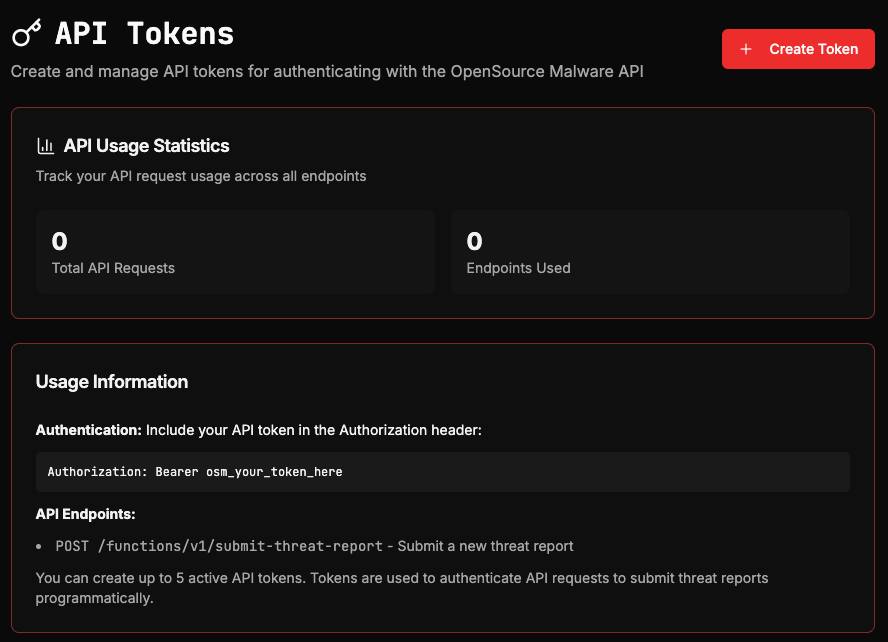
Using your token
Pass the token in theAuthorization header of every request:
Invalid or missing tokens
If your token is missing, malformed, or has been revoked, the API returns a401 Unauthorized response: