
Creating an account
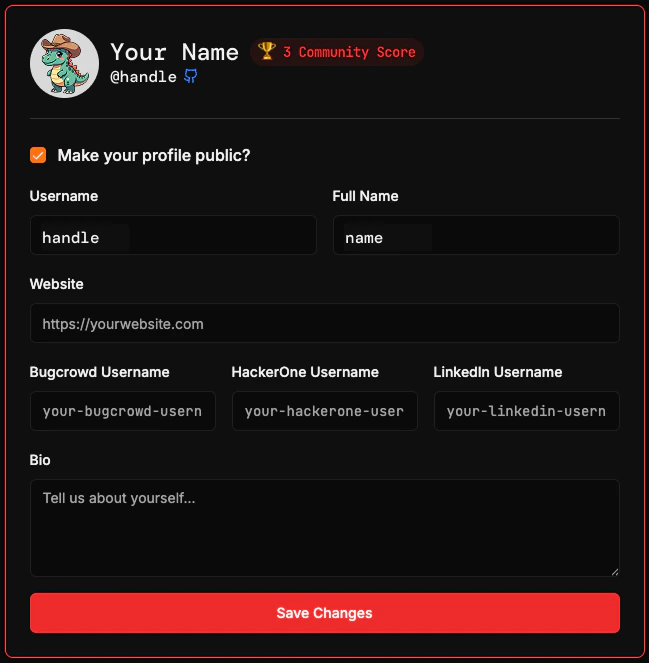
Go to opensourcemalware.com/auth to sign up. Two options are available: GitHub is the default sign-in method. Click Sign in with GitHub and authorize the OpenSourceMalware application. Email accounts are available on request. Contact us to open an email-based account. Once your account has been created, you’ll have a profile page where you can manage:- Required: Your username and Full Name
- Optional: Making your profile private or public, your website, usernames on other platforms, and a bio
A public profile is required to appear on the Security Researcher Leaderboard. You are not required to use your real identity.
Your account
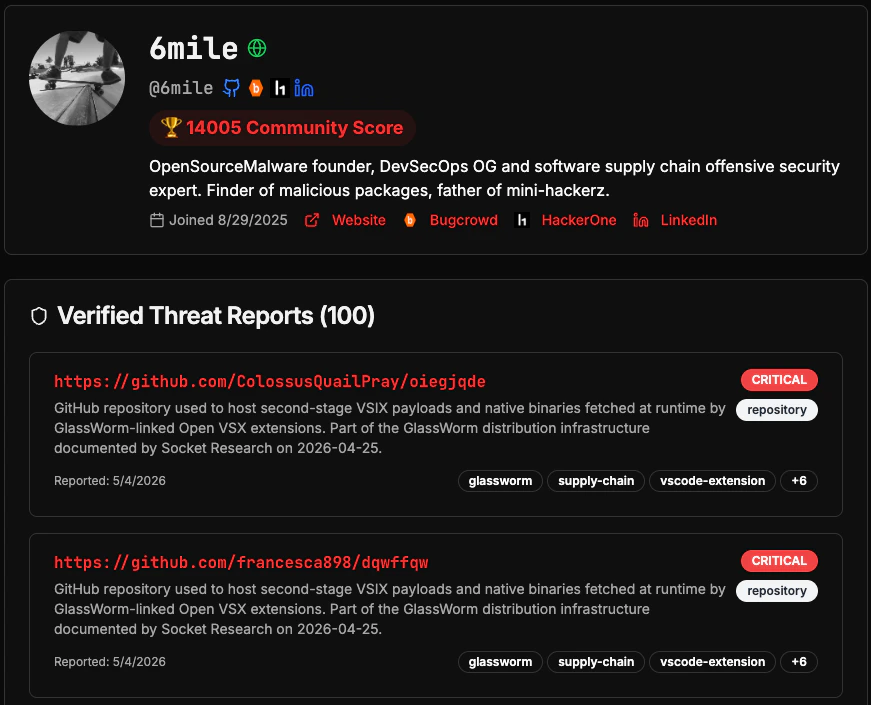
Your account tracks everything associated with OpenSourceMalware:- Contribution history: Every threat report you submit, including its verification status and whether it was modified or marked as a false positive.
- Reputation score and points: Earned through verified contributions. Higher-quality reports earn more points. See how points work for details.
- API usage: Token activity and request volume associated with your account.
API tokens
API tokens authenticate your requests to the OpenSourceMalware API. All tokens use theosm_ prefix.
1
Open your profile settings
Click your avatar in the top-right corner of any page and select Settings.
2
Generate a token
Navigate to the API Tokens section and click Create Token. Copy the token immediately as it is only shown once.
3
Use your token
Pass the token in the See the authentication guide for full usage details including code examples in Python and Node.js.
Authorization header of every API request:Next steps
Quickstart
Make your first API threat check in under 5 minutes.
Community guidelines
Understand the standards that keep OpenSourceMalware accurate and trustworthy.